
From first scan to their next free coffee.
Create a card for your café, invite your team, and let customers collect stamps on their phone. Here’s how it all comes together.
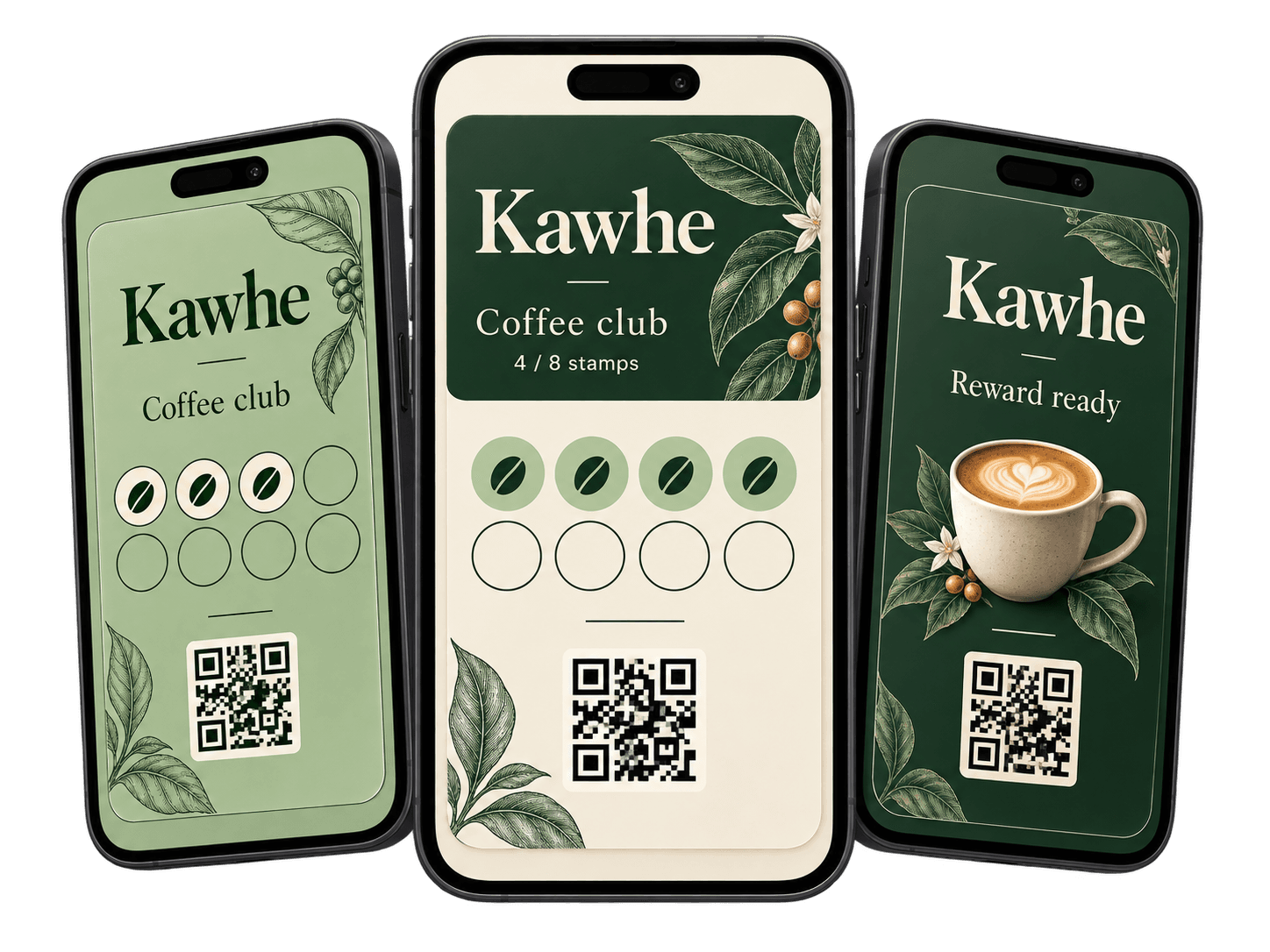
Easy for customers, staff, and owners.
One loyalty programme, with a clear role for everyone: customers carry the card, staff handle stamps and rewards, and owners manage it all.
Easy for customers
Keep their card and stamp progress on their phone
Easy for staff
Use Kawhe Merchant to scan, stamp and redeem
Easy for owners
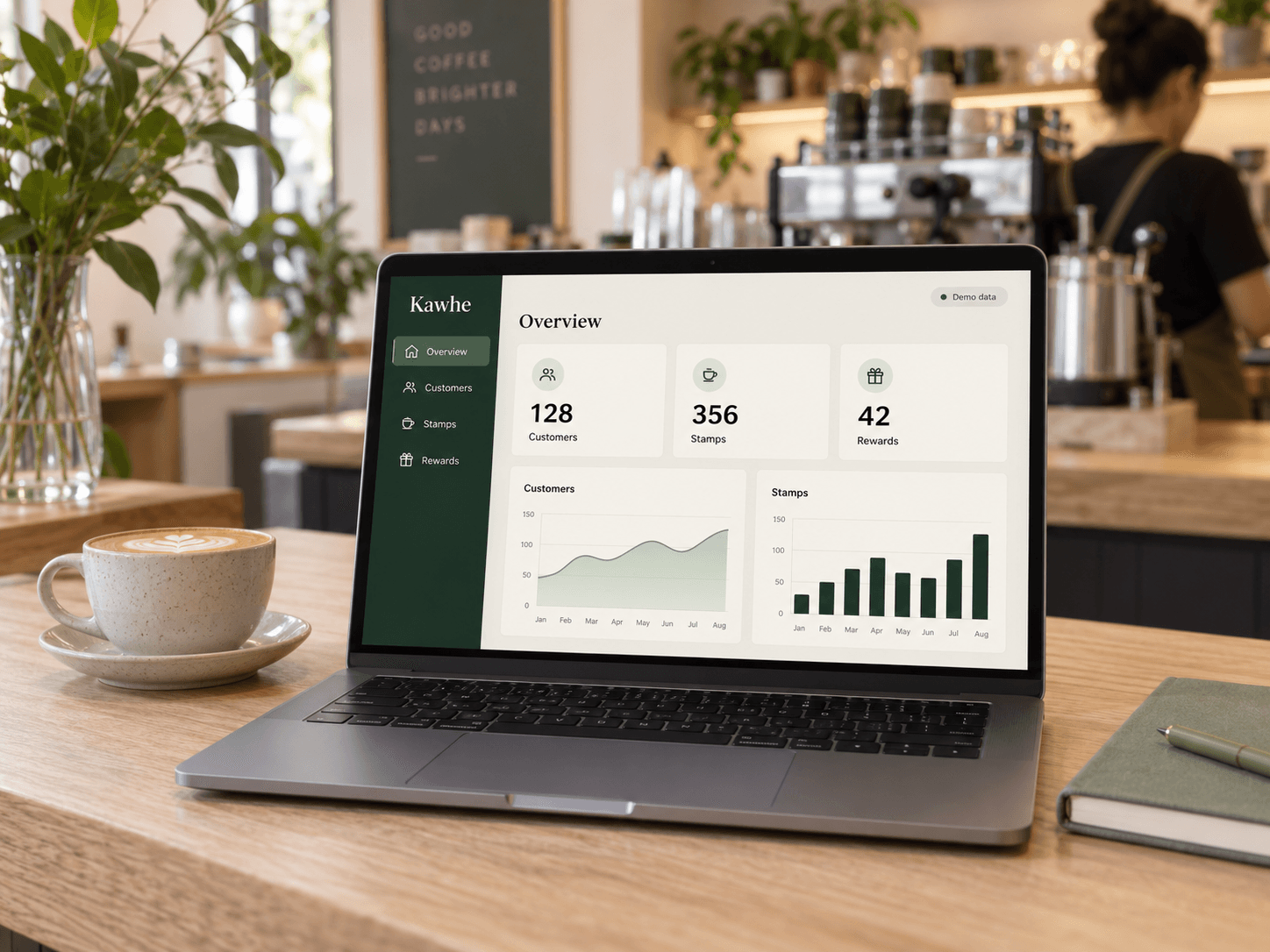
Manage cards, customers and team from the web dashboard
Create your card. Share your QR.
Choose the reward your regulars will love, set how many stamps they need, and add your café’s branding. Display your join QR code at the counter so customers can get started.
- Choose your stamp target and reward
- Add your logo, café details and colours
- Share your join link or display your QR code
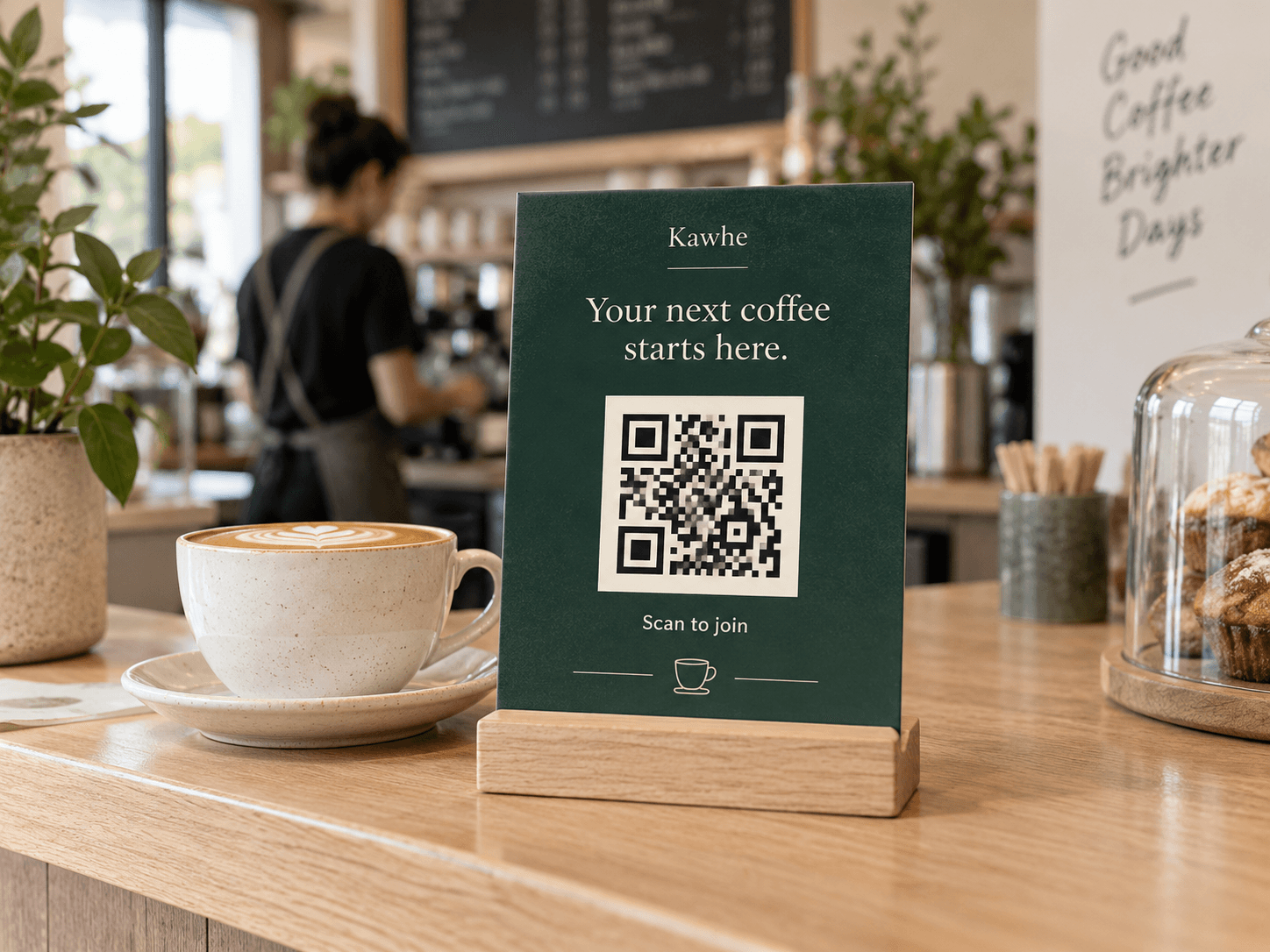
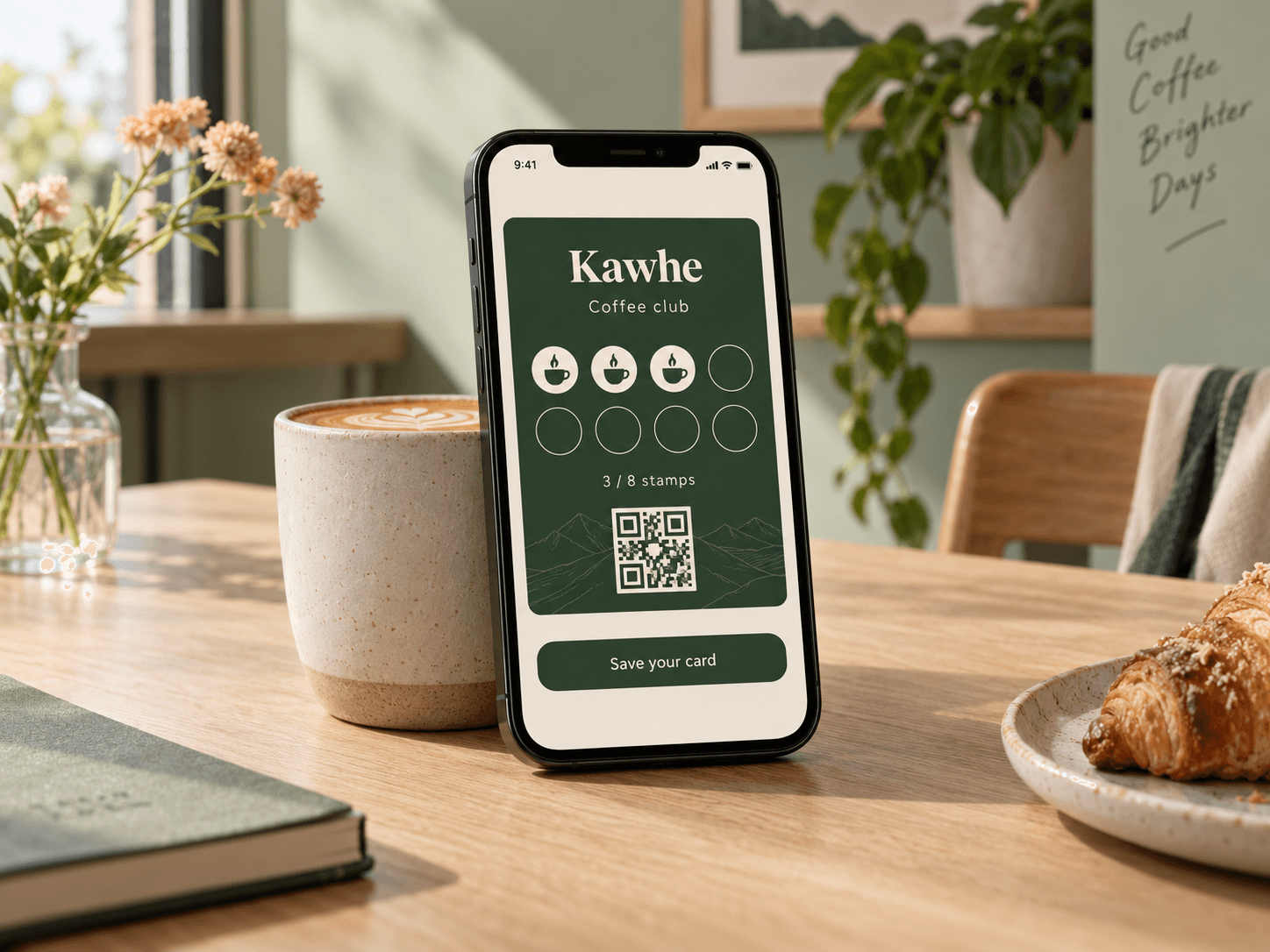
A card that stays with your customers.
Customers scan your QR code or open your join link, enter their details, and get their digital loyalty card. They can keep it in their browser or save it to a supported Wallet.
- Join from a QR code or a shared link
- See stamp progress on their phone
- Use Wallet or the browser — no customer app needed
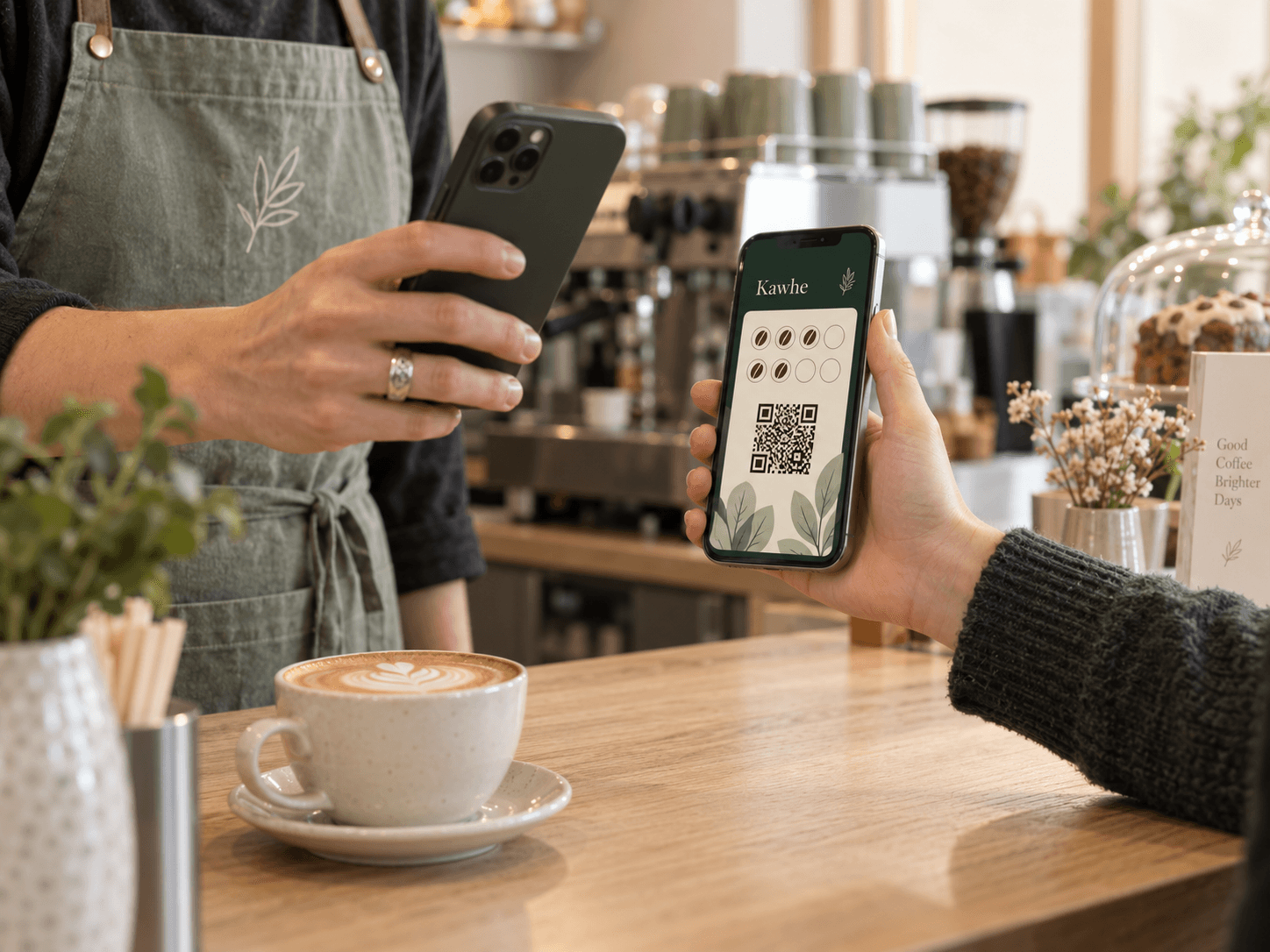
Scan. Stamp. Make their day.
Invite your team to use Kawhe Merchant. At the counter, staff scan the customer’s card, add a stamp, or redeem an available reward. Each visit brings your regulars closer to their next treat.
- Give staff their own accounts and permissions
- Check reward status before redeeming
- Scan with a phone — no special hardware required
Your loyalty programme, at a glance.
Open your web dashboard to see customer activity, stamps and redeemed rewards. Keep your cards and team organised, and see how your loyalty programme is being used over time.
- See customer, stamp and reward activity
- Follow activity over time with dashboard charts
- Manage your stores, loyalty cards and team
Why digital works better than paper
Progress stays with the card
Customers can keep their digital card on their phone and check their stamp progress whenever they need it.
Staff stop dealing with paper cards
Staff scan the customer’s card, then choose to add a stamp or redeem an available reward in Kawhe Merchant.
Rewards are easier to track and redeem
Customers can see their stamp progress, and staff can check whether a reward is available before redeeming it.
Owners get better visibility
See customer, stamp and reward activity together in your dashboard, with charts that show activity over time.
Common questions
Ready to replace paper cards?
Set up your café’s card, choose a reward, and give your regulars something to look forward to.
Free to start. No credit card required.